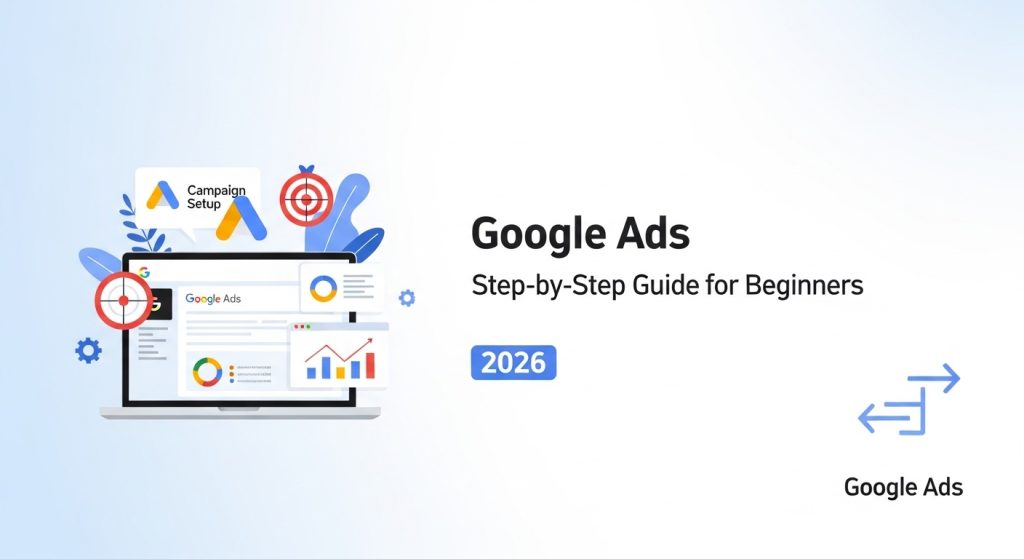
Google Ads is the world’s leading digital advertising platform, allowing businesses to display ads to users actively searching for products or services. It operates on a Pay-Per-Click (PPC) model, which means you only pay when someone clicks your ad. With Google Search Ads, businesses can reach a highly targeted audience, making campaigns cost-effective and measurable. Ads appear on the Google Ads Dashboard, allowing advertisers to monitor performance, track conversions, and optimize campaigns. Understanding how Google Ads works is the foundation for any beginner to build a profitable advertising strategy in 2026.
Why Google Ads Is Still Powerful in 2026
Google Ads remains one of the most effective digital advertising tools in 2026. With AI-powered automation, advertisers can optimize campaigns faster than ever. Performance Max campaigns allow multi-channel targeting, reaching users across Google Search Ads, Display, YouTube, and Gmail. Businesses see measurable ROI due to conversion tracking and smart bidding strategies. Unlike organic methods, Google Ads ensures immediate visibility for products and services. Understanding its evolving features, including automated ad placements and audience insights, is essential for beginners aiming to run profitable campaigns and stay competitive in the digital marketing landscape.
Create Your Google Ads Account
Before creating a Google Ads account, ensure you have a valid Google account, business email, and a functional website. Prepare your payment method for billing purposes and identify your campaign goals, such as sales, leads, or traffic. Familiarity with Google Keyword Planner and basic SEO concepts can help, though not mandatory. Setting these prerequisites ensures a smooth setup process, reducing errors and improving early campaign performance.
Accessing Google Ads Dashboard
Once your account is ready, log in to the Google Ads Dashboard. This interface provides tools for campaign creation, ad group setup, keyword targeting, and reporting. The dashboard also includes quick access to conversion tracking, ad extensions, and optimization recommendations. Beginners should spend time exploring the layout to navigate campaign metrics efficiently and manage their digital advertising efforts confidently.
Understanding Google Ads Account Structure
At the top level, the Google Ads account represents your business identity. It stores billing information, user access, and linked services like Google Analytics.
Campaign Level
Campaigns organize your advertising efforts around a central objective, such as driving website traffic or generating sales leads.
Ad Group Level
Within campaigns, ad groups cluster related keywords and ads. This structure ensures relevance and improves Quality Score. Proper setup allows easier optimization and performance tracking in the Google Ads Dashboard.
Define Campaign Goals Correctly
Clearly defining campaign goals ensures that every ad, keyword, and bid strategy is aligned. Goals can include increasing sales, collecting leads, boosting website traffic, or enhancing brand awareness. Proper goal-setting impacts bidding strategies, ad extensions, and conversion tracking setup. Beginners should select objectives that are measurable and realistic, helping them optimize campaigns efficiently while gaining actionable insights from Google Ads performance data.
Choose the Right Campaign Type
Selecting the proper campaign type is essential. Search campaigns show ads in Google Search Ads, Display campaigns appear on websites, Video campaigns run on YouTube, and Shopping ads display product listings. Performance Max campaigns allow automated targeting across multiple channels. Each type serves a unique purpose, and choosing correctly ensures higher ROI, relevance, and better ad performance in your Google Ads account.
Keyword Research Strategy
The Google Keyword Planner helps identify relevant keywords, their search volumes, and competition. Beginners can discover high-potential keywords for their ad groups.
Understanding Search Intent
Focus on understanding user intent: informational, navigational, or transactional. Targeting the right intent improves click-through rates (CTR) and conversion rates.
Finding High-Converting Keywords
Combine high-volume and low-competition keywords for effective targeting. Including long-tail keywords ensures relevance and reduces cost per click (CPC), boosting overall campaign efficiency.
Understand Keyword Match Types
Google Ads offers various keyword match types to control ad triggering. Broad match reaches wide audiences, phrase match targets specific queries, exact match ensures precise targeting, and negative keywords prevent irrelevant clicks. Beginners should carefully plan match types to balance reach and ROI, avoid wasted spend, and improve overall campaign performance on Google Ads.
Build High-Performing Ad Groups
Ad groups must be single-themed, containing related keywords and ads. Organizing this way improves Quality Score and CTR. Each ad group should focus on specific user intent, helping Google Ads serve relevant ads to the audience. Well-structured ad groups simplify bid management, performance tracking, and campaign optimization, making them a key component of successful digital advertising strategies.
Write High-Converting Google Ads
Headlines Strategy
Craft compelling headlines with your main keyword to attract clicks.
Emotional Triggers
Use urgency, curiosity, or benefits to engage users.
Call-to-Action Optimization
Include strong CTAs like “Buy Now” or “Sign Up Today” to drive conversions. Well-written ads improve CTR and ad relevance, enhancing Quality Score on Google Ads.
Set Budget and Bidding Strategy
Choose a budget aligned with your goals. Manual CPC allows control over bids, Maximize Clicks automates traffic generation, and Target CPA focuses on conversions. Smart Bidding uses AI to optimize spend automatically. Correct bidding strategies reduce costs while increasing ROI and conversion rates, ensuring campaigns remain profitable in 2026.
Audience Targeting Explained
Targeting the right audience increases relevance and CTR. Location targeting reaches users in specific regions, device targeting ensures mobile or desktop optimization, and demographics focus on age, gender, or interests. Creating custom audiences based on past interactions further improves campaign efficiency. Proper audience targeting ensures that Google Ads budgets are spent effectively.
Use Ad Extensions to Increase CTR
Ad extensions enhance visibility and engagement. Sitelinks provide extra links, Call Extensions allow immediate contact, Structured Snippets showcase features, and Lead Form Extensions capture leads directly. Proper use of extensions improves CTR, ad relevance, and Quality Score, helping beginners maximize the impact of their Google Ads campaigns.
Setup Conversion Tracking
Integrating Google Analytics with Google Ads enables precise tracking of purchases, leads, and other actions. Set up conversion tracking for forms, phone calls, or online transactions. Accurate tracking informs campaign adjustments, allowing marketers to optimize ad performance, reduce costs, and achieve better ROI in their digital advertising efforts.
Launch Your First Campaign
Before launching, review ad quality, keywords, bids, and extensions. Ensure your landing page is relevant and optimized for conversions. Submit the campaign for approval, typically taking 24 hours. After launch, monitor performance closely via the Google Ads Dashboard, noting CTR, CPC, and conversion data. Proper setup ensures a strong start for any beginner running Google Ads in 2026.
Google Ads Optimization Strategy
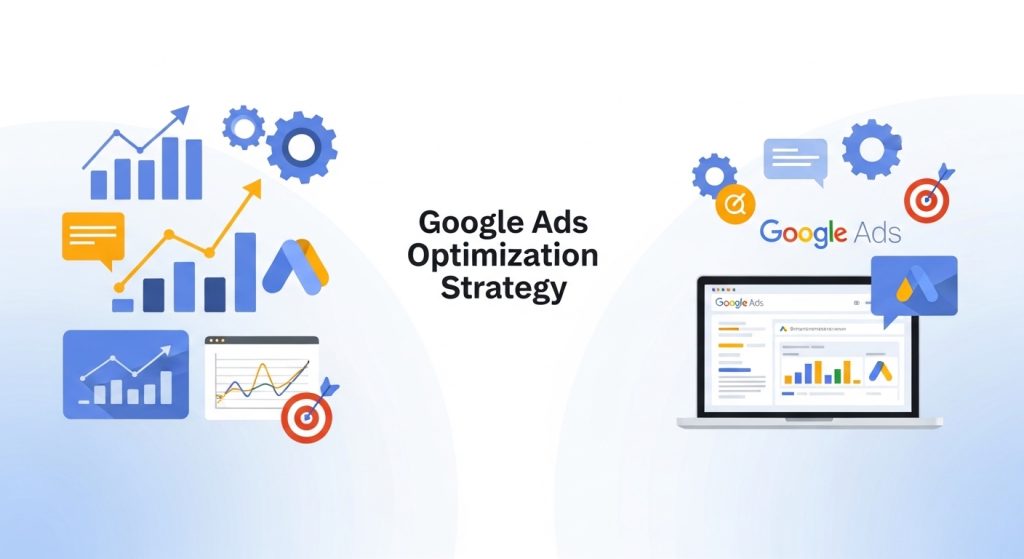
Regular optimization improves performance. Focus on increasing Quality Score, reducing CPC, and improving conversion rates. Test headlines, ad copies, and landing pages. Adjust bids based on performance and use automated tools to enhance Performance Max campaigns. Data-driven optimization ensures Google Ads campaigns remain profitable and efficient over time.
Final Thoughts
Mastering Google Ads Step-by-Step Guide can transform your business in 2026. By creating well-structured campaigns, conducting effective keyword research, and using audience targeting strategically, beginners can achieve measurable ROI. Optimization, tracking conversions, and utilizing Performance Max campaigns ensure long-term success. Remember, testing and analyzing your campaigns is key to continuous improvement. With persistence and the right strategies, Google Ads provides a cost-effective and scalable way to reach your ideal customers and grow your digital advertising efforts confidently.
FAQs
Yes! Google Ads is beginner-friendly with step-by-step guidance. Using the Google Ads Dashboard, beginners can create campaigns, track conversions, and optimize performance efficiently.
Budgets vary depending on your goals. Start small, monitor CPC and ROI, then scale. Even a modest daily budget can generate meaningful traffic when campaigns are optimized.
Results can appear within days, but measurable conversions usually take 1–2 weeks. Consistent optimization of keywords, ads, and targeting improves campaign effectiveness over time.
Quality Score measures the relevance of your ads, keywords, and landing pages. Higher scores reduce CPC, improve ad placement, and increase overall campaign performance.
Absolutely! With proper campaign structure, keyword research, and conversion tracking, small businesses can generate significant leads and sales while maximizing ROI in digital advertising.